New WebBro product
Log Sentinel
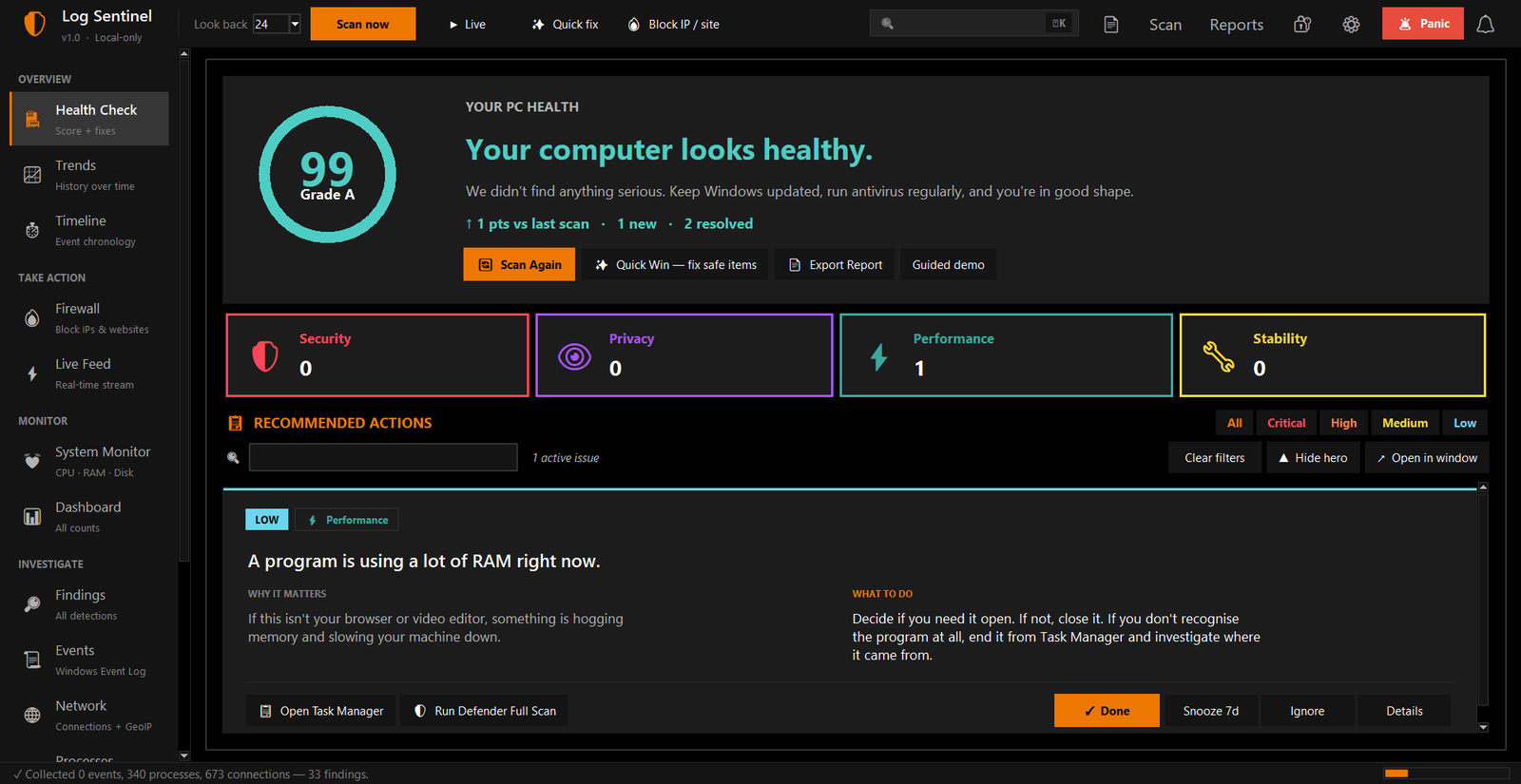
A local Windows security checker that turns noisy logs, suspicious activity, and buyer system details into a clear report anyone can understand.
Runs locally
30-day trial
PDF reports
Low-noise alerts
Buyer system info
How it works
Scan, explain, report, then follow up.
The app is designed to feel less like a scary terminal and more like a calm security assistant. It checks the machine, ranks the findings, explains the risk, and packages the result.
Why it exists
Most people only know something is wrong after the damage is done.
Log Sentinel is made for small businesses, IT helpers, laptop buyers, and support teams who need a quick security picture without reading raw Windows logs line by line.
For security checks
Find suspicious listening ports, risky services, strange autoruns, unusual event log entries, and static test malware markers.
For laptop buyers
Review CPU, RAM, storage, partitions, graphics, battery, BIOS, model, serial, and other system details before buying.
For support work
Export a report that explains what happened, why it matters, and what action should come next.
Core features
Useful checks, explained in normal language.
Reports
Send the result as a PDF instead of sending panic screenshots.
The app generates HTML, JSON, and PDF reports. A user can open the report folder, view the latest report, and share the PDF with a technician or buyer.
latest_report.html
Buyer check
Useful before buying a second-hand laptop or PC.
Log Sentinel is not only a threat checker. It also gives a practical system information view, so a buyer can see whether the machine matches what the seller promised.
CPU and cores
RAM total and free
Storage used and free
Disk partitions
Graphics card
Battery status
Model and serial
BIOS information
Access
Private demo first. Public download later.
For now, the safer move is to offer Log Sentinel through a contact or demo request. Public downloads should come after code signing, installer polish, support notes, and release testing.
Best next step
- Request a 30-day trial build
- Send a Windows test machine type
- Receive setup notes and sample report
- Renew with a monthly licence key